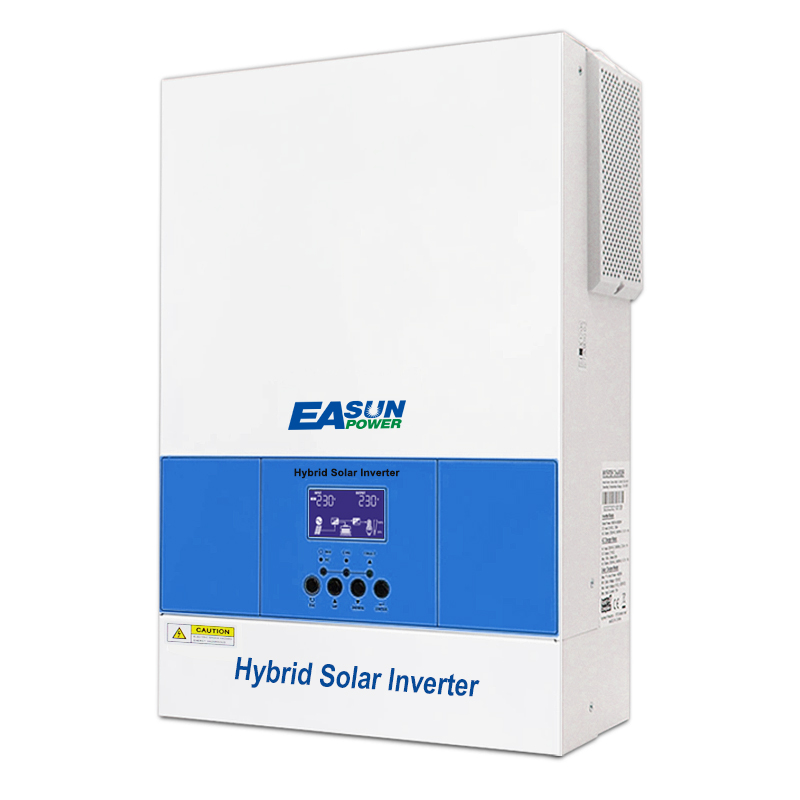
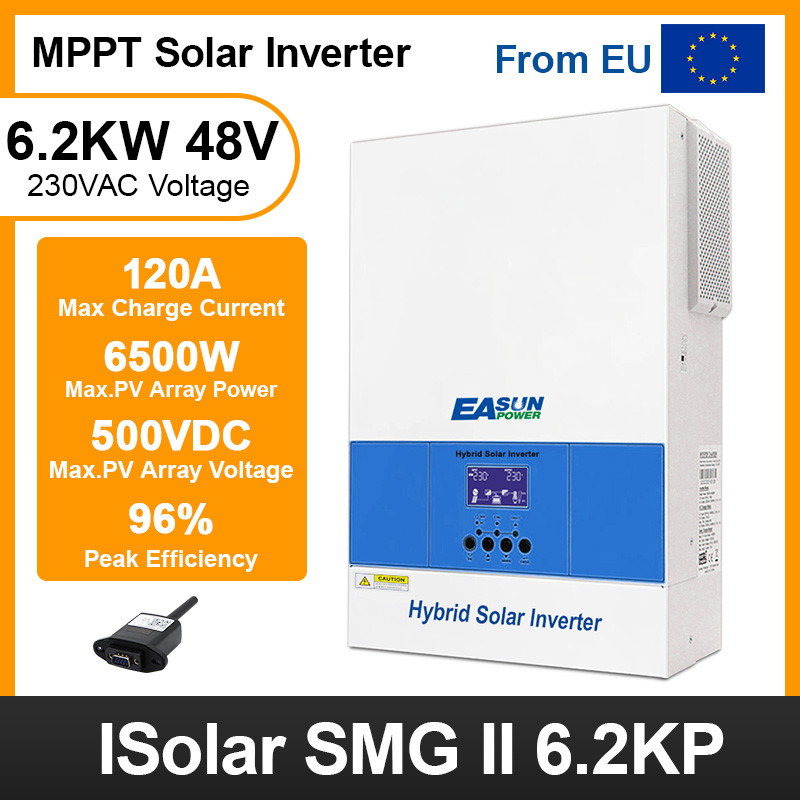
Easun 6.5KW Off Grid Inverter 120A MPPT Charger Parallel 3 Phase With WiFi
How do we make your life or project easier?
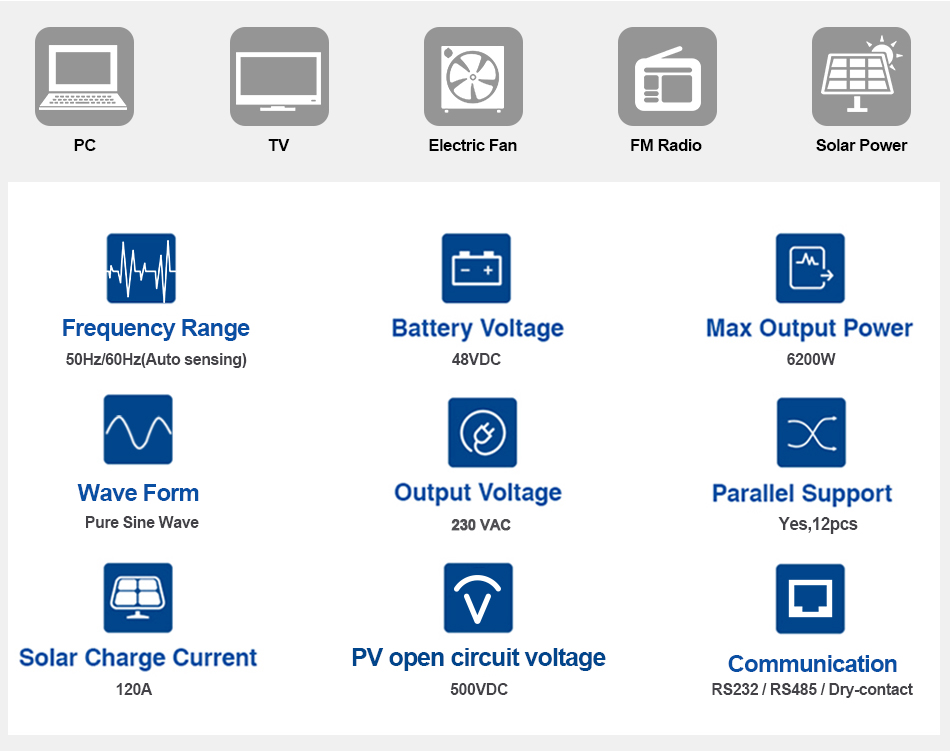
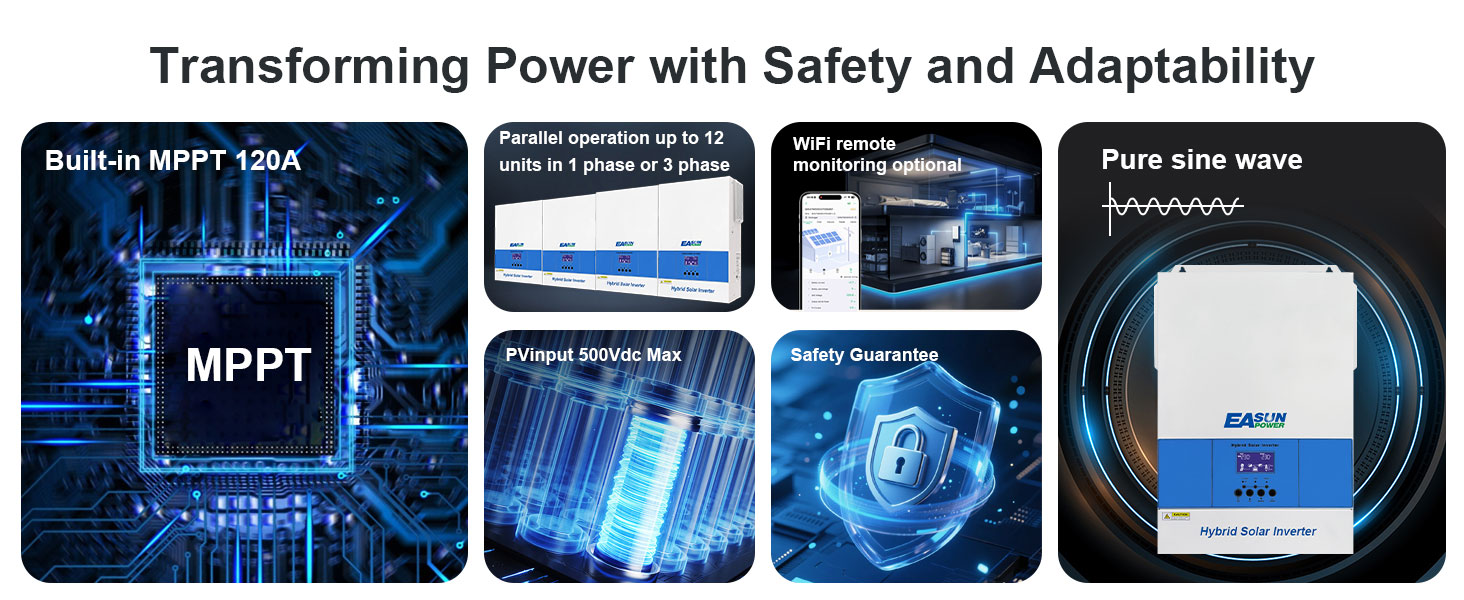
- Pure sine wave
- Powerfactor1.0
- PV input 500Vdc Max
- Built-in MPPT 120A
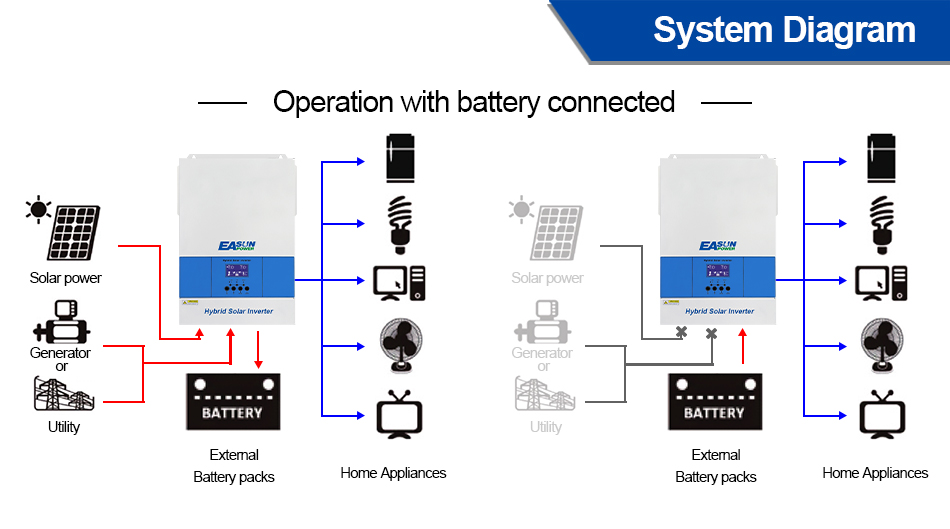
- Capable to work without battery
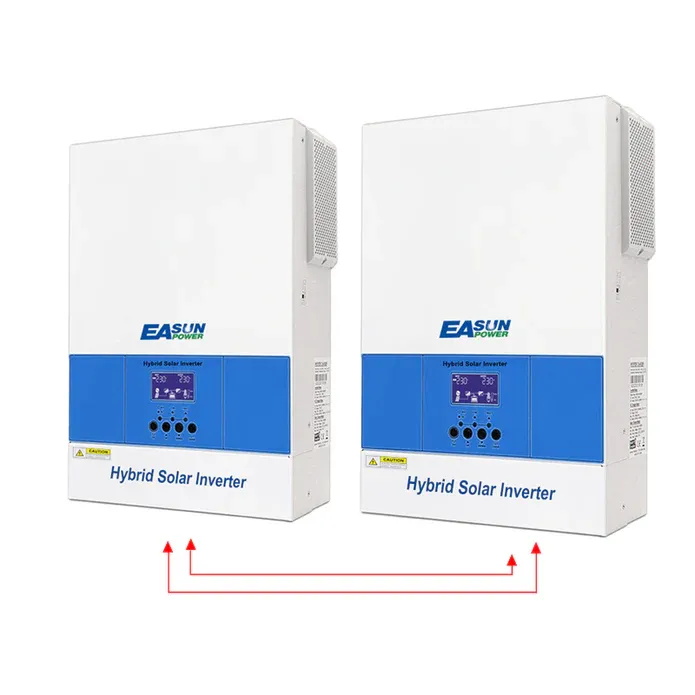
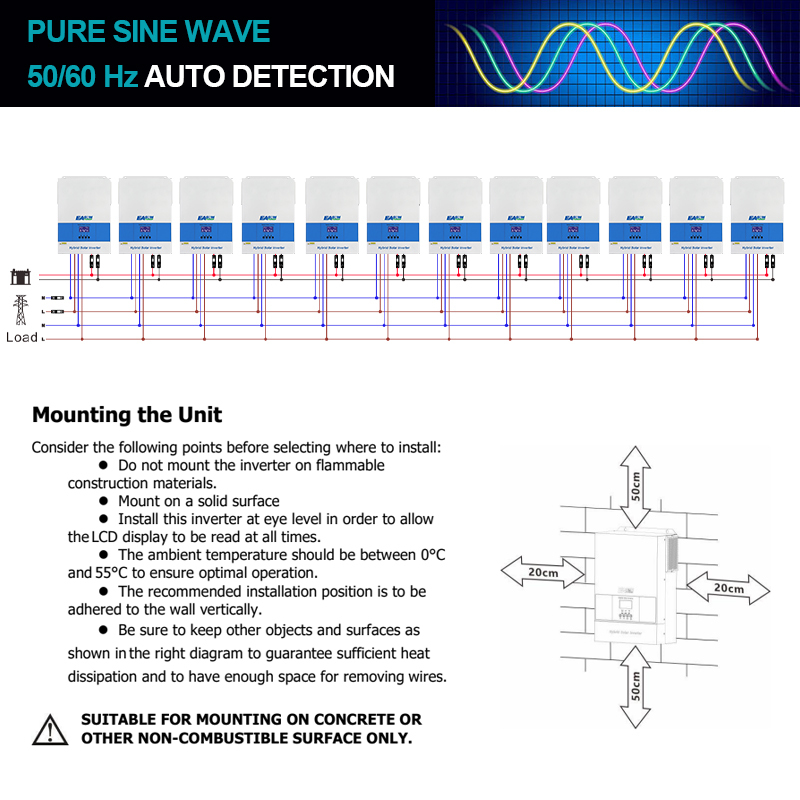
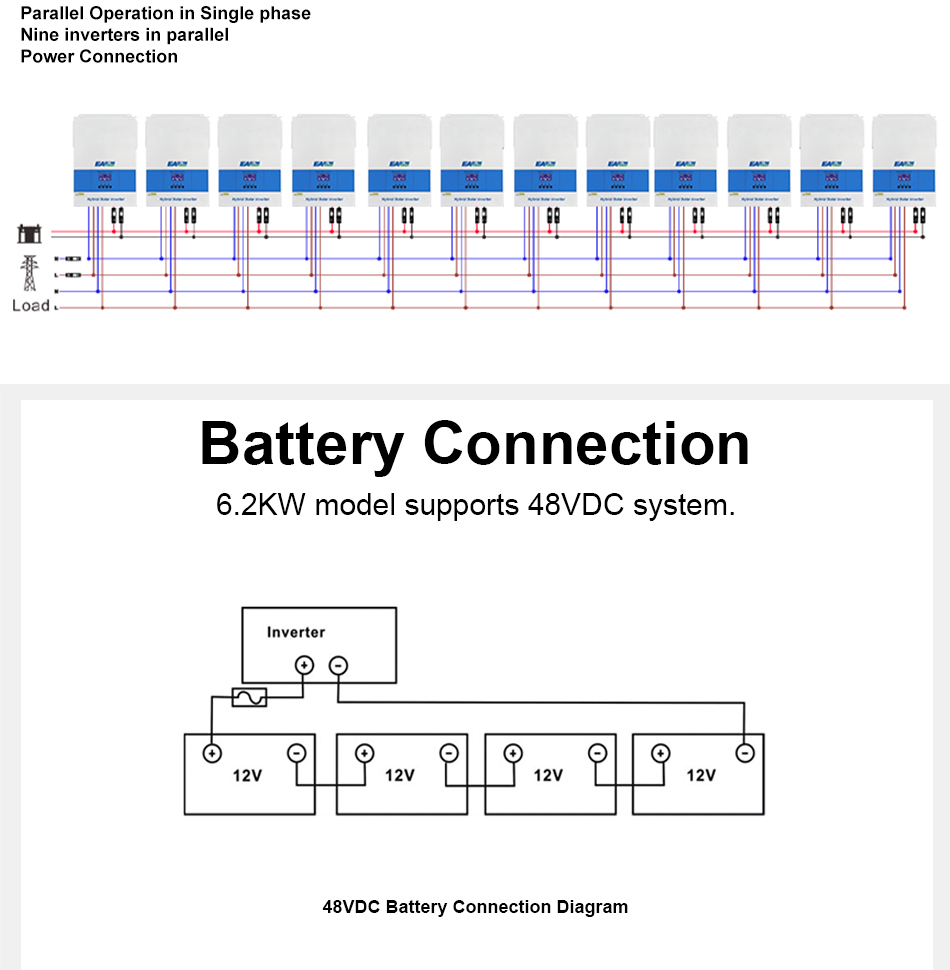
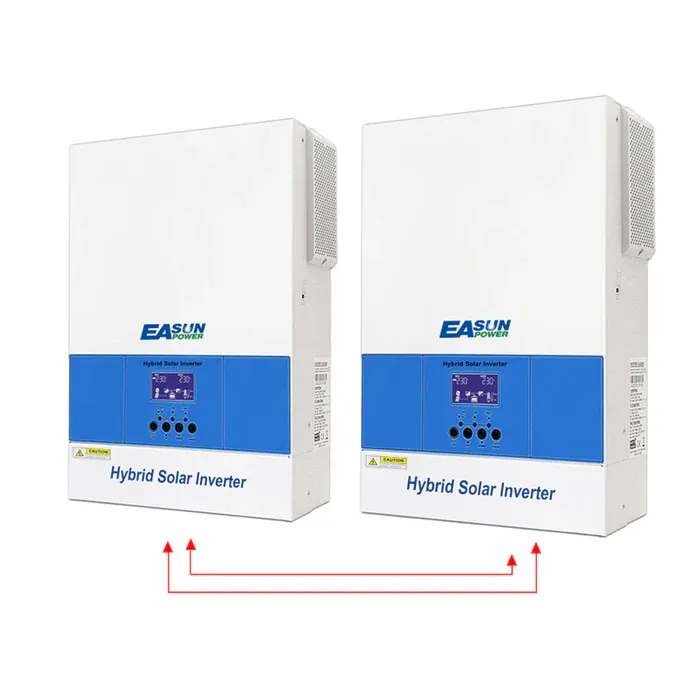
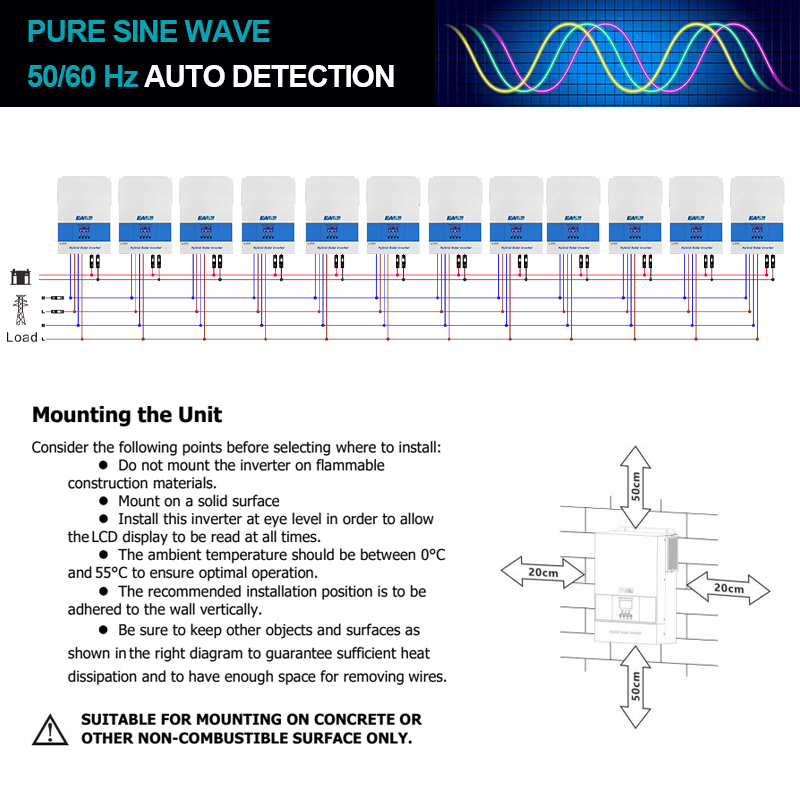
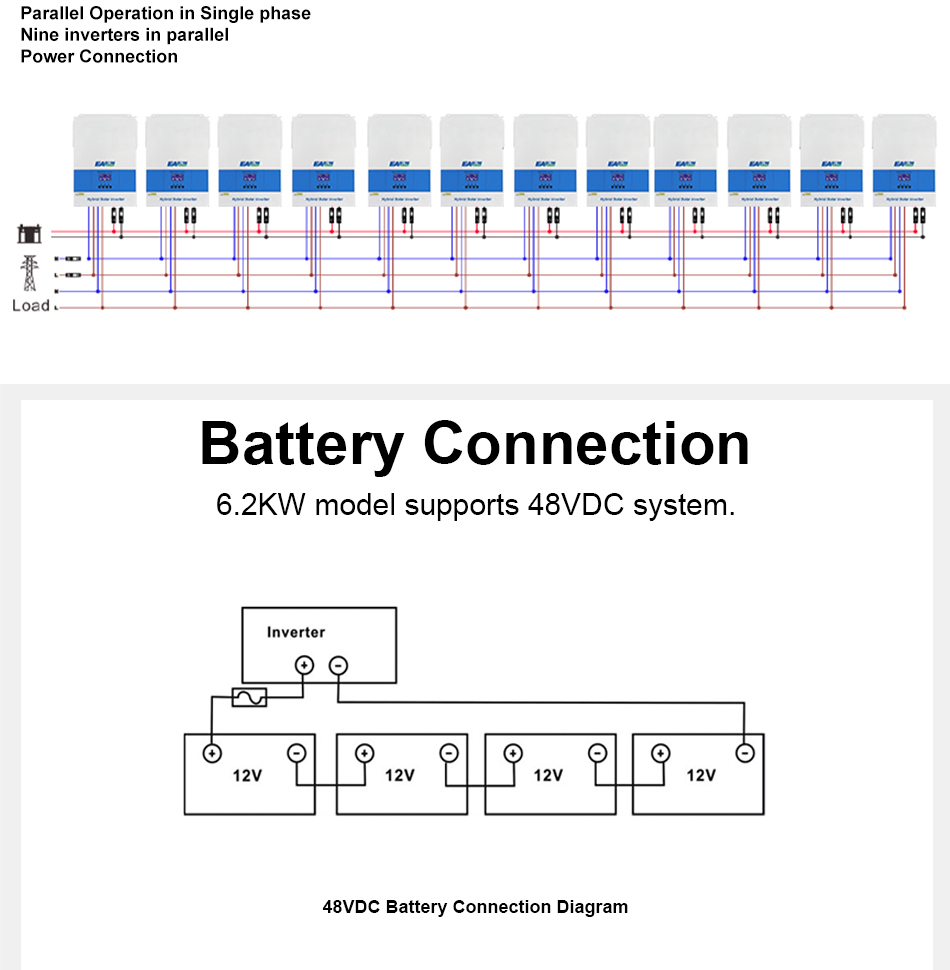
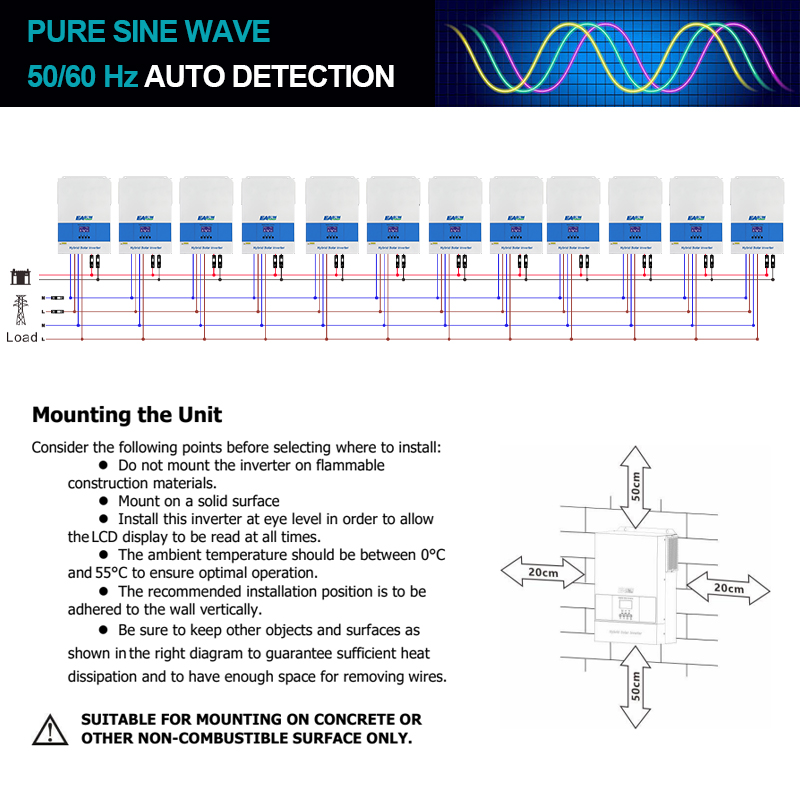
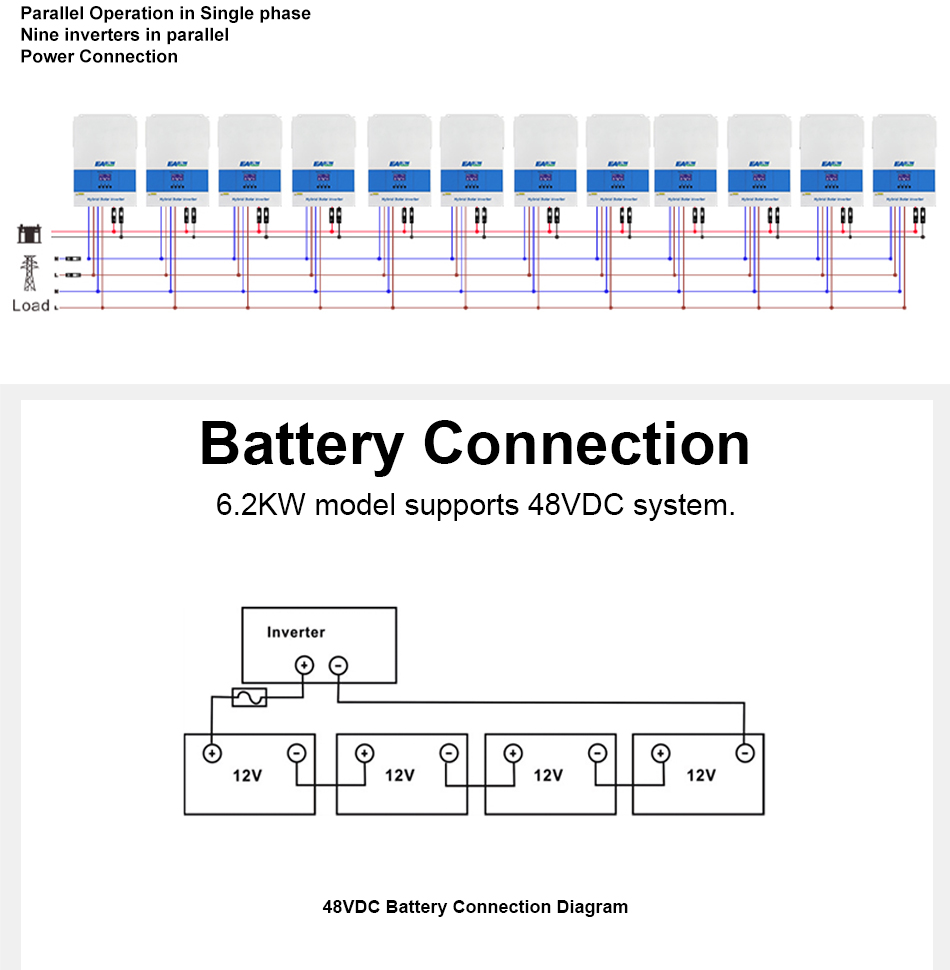
- Parallel operation up to 12 units in 1 phase or 3 phase

The reliable, efficient and safe way to power your devices.
Have stock in EU now, we can ship quickly and no need to pay tax in European countries.
Intuitive Monitoring and Control
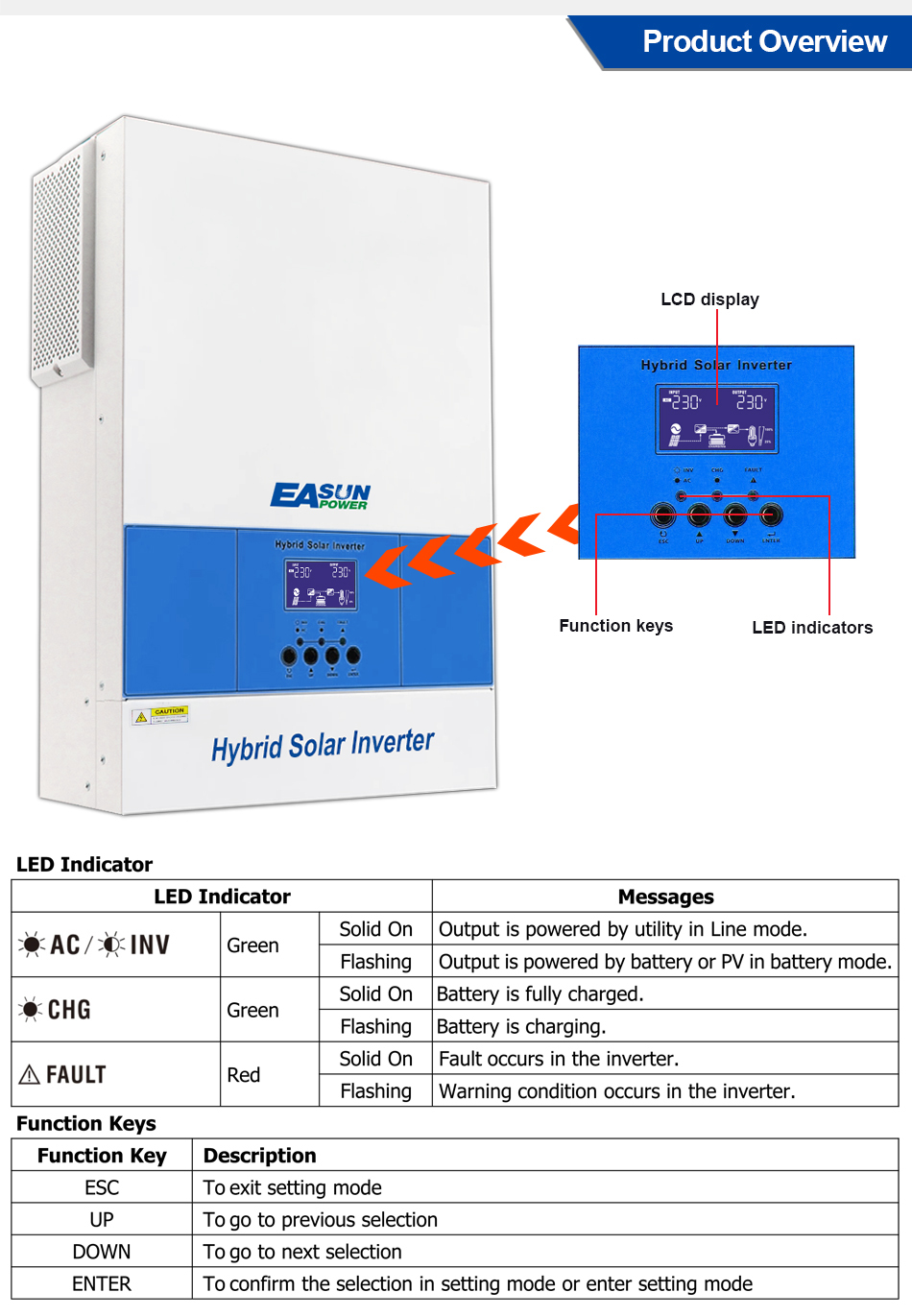
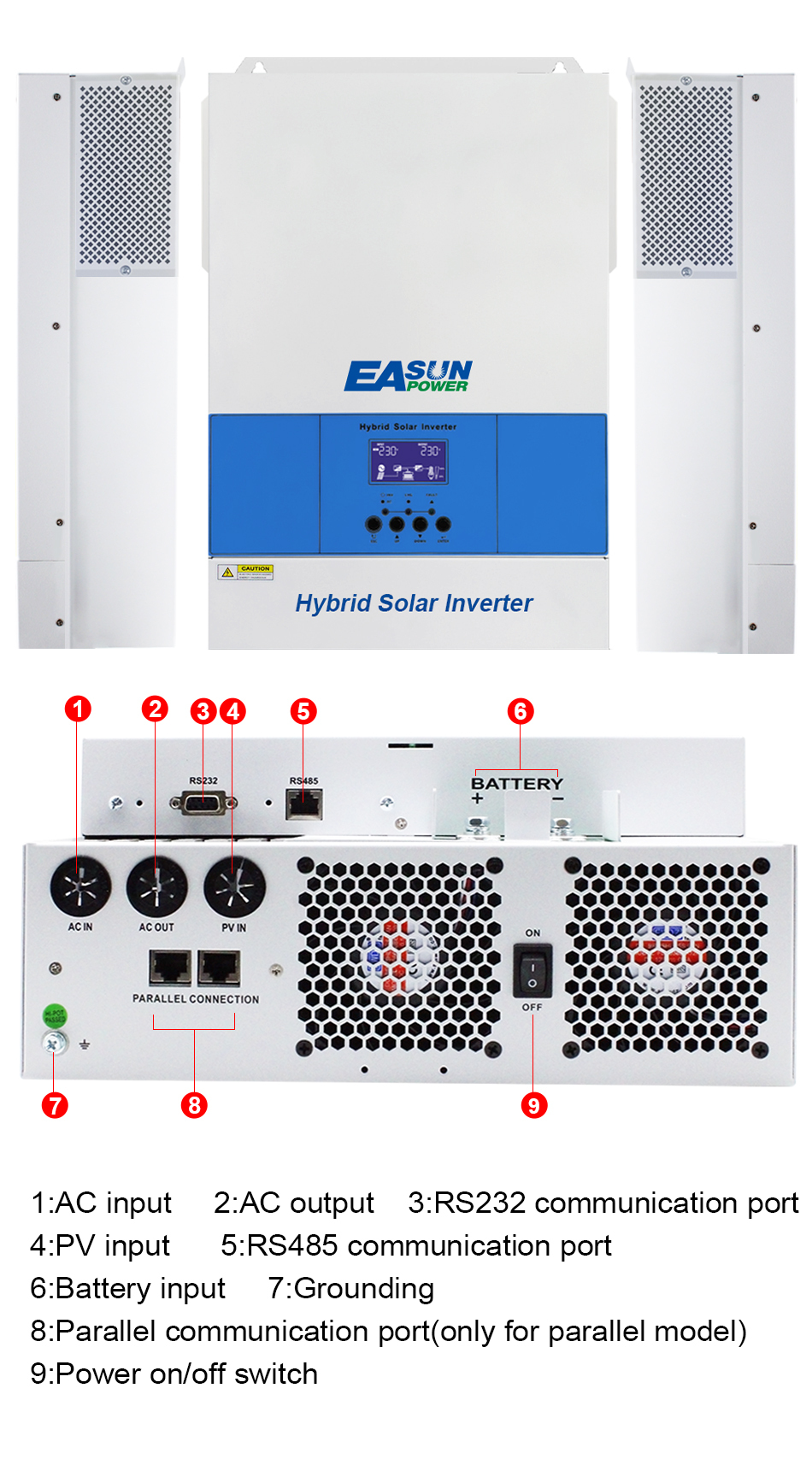
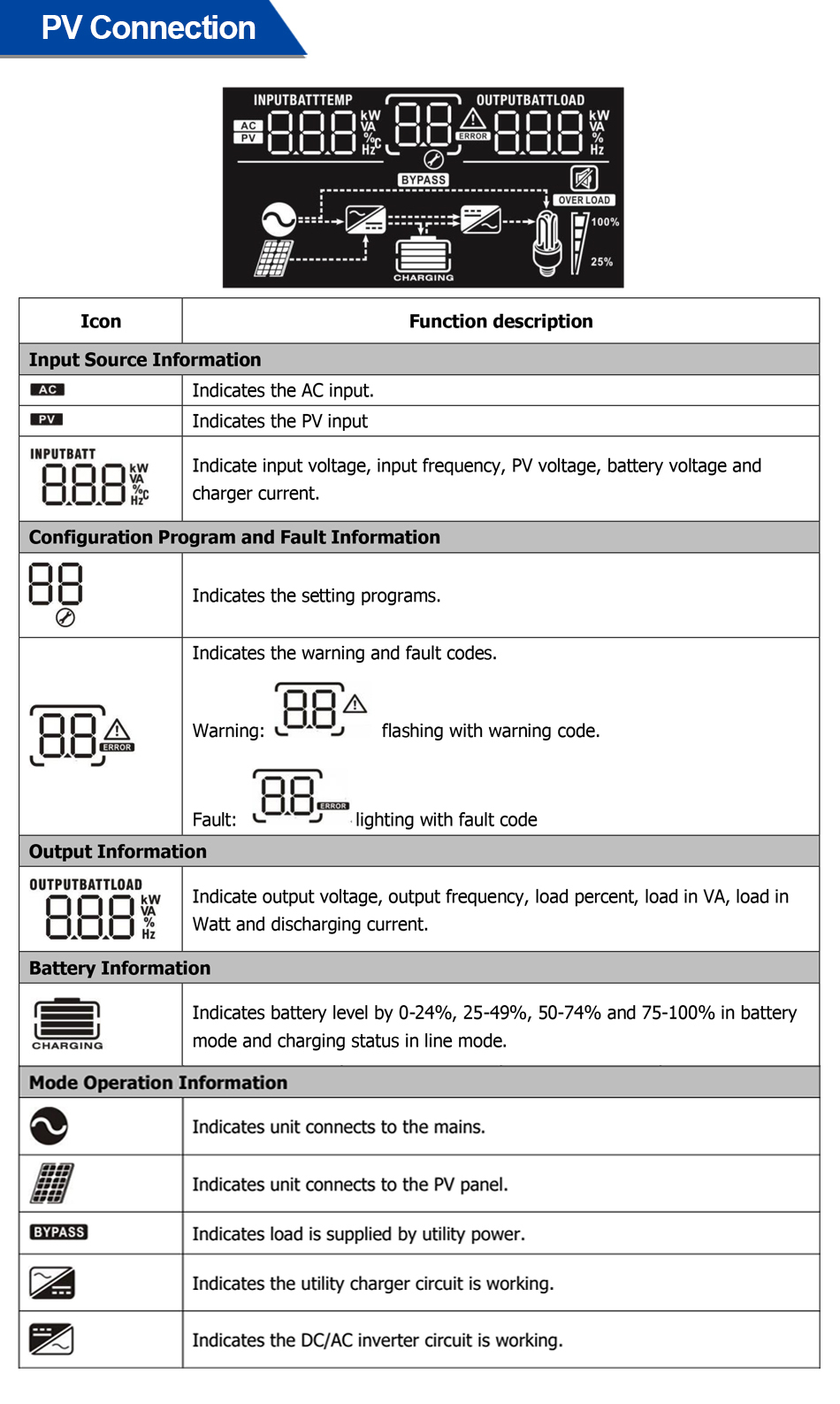
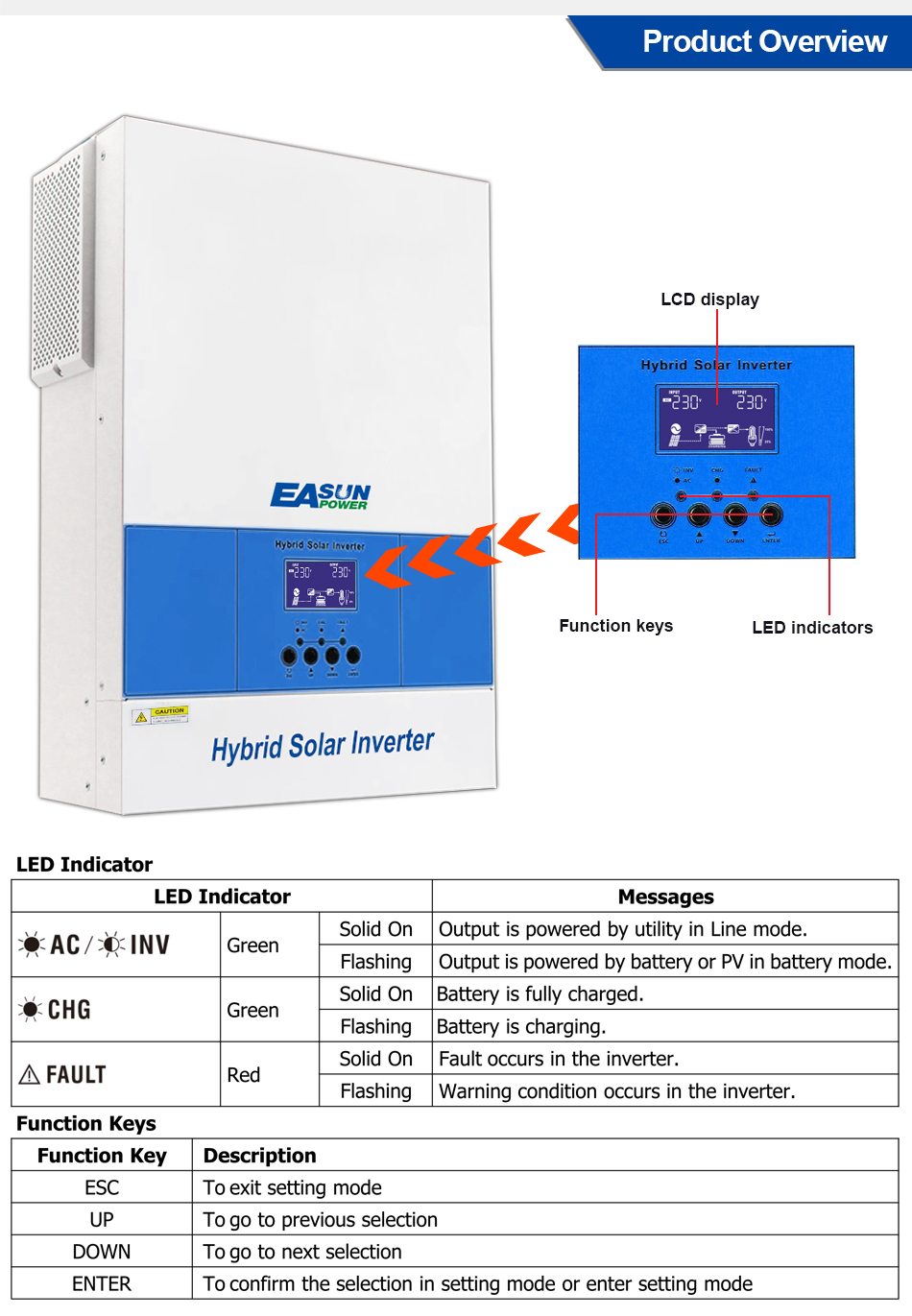
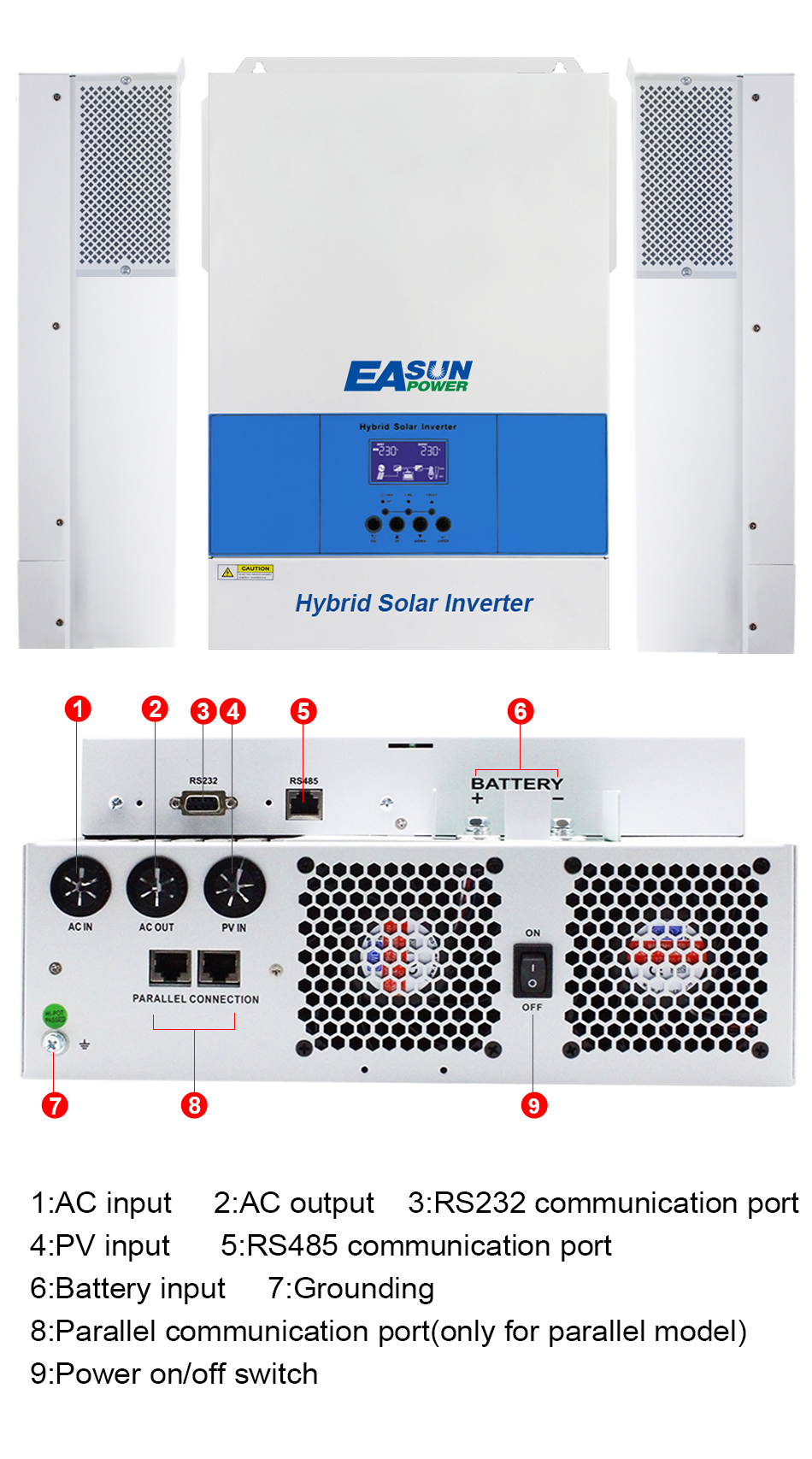
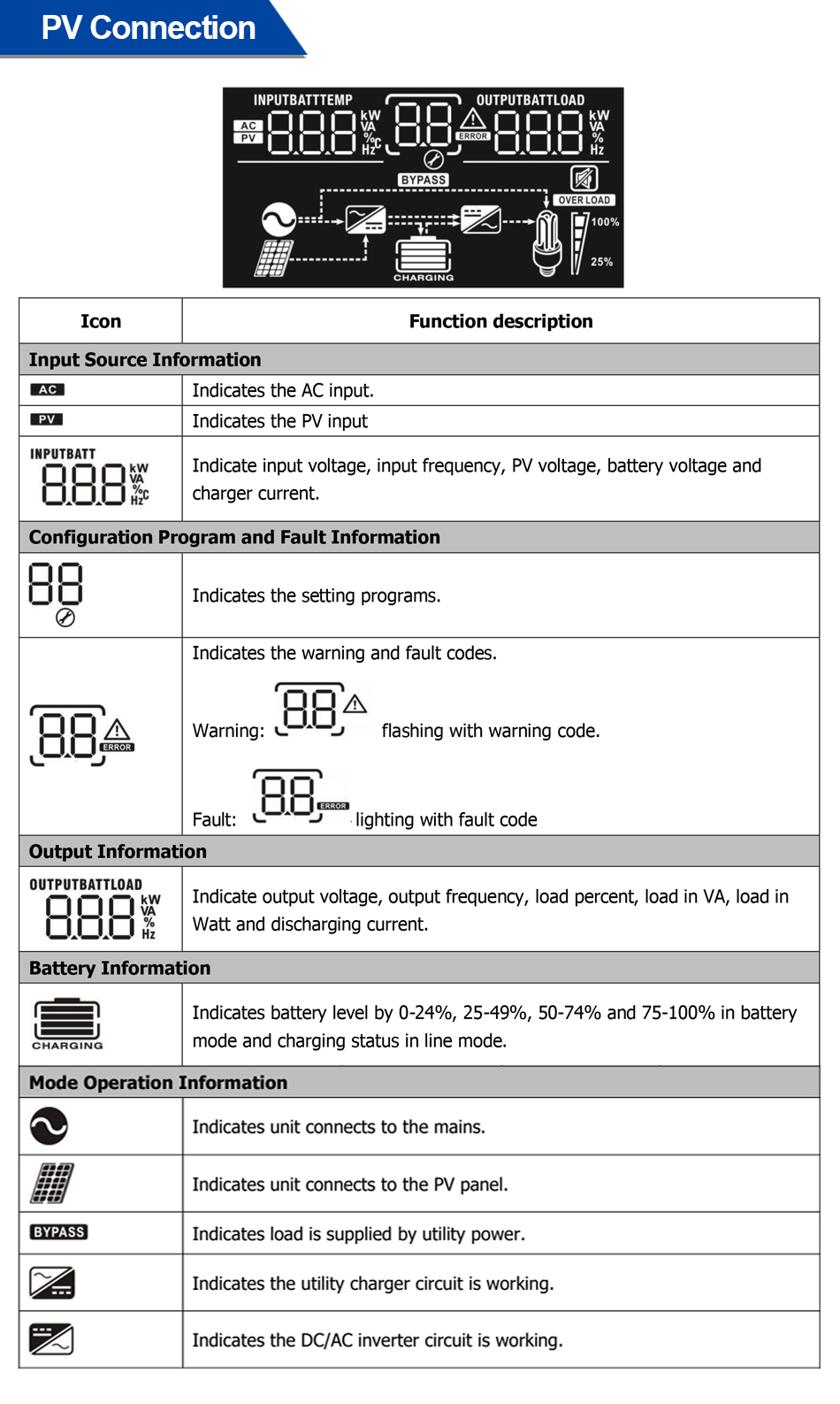
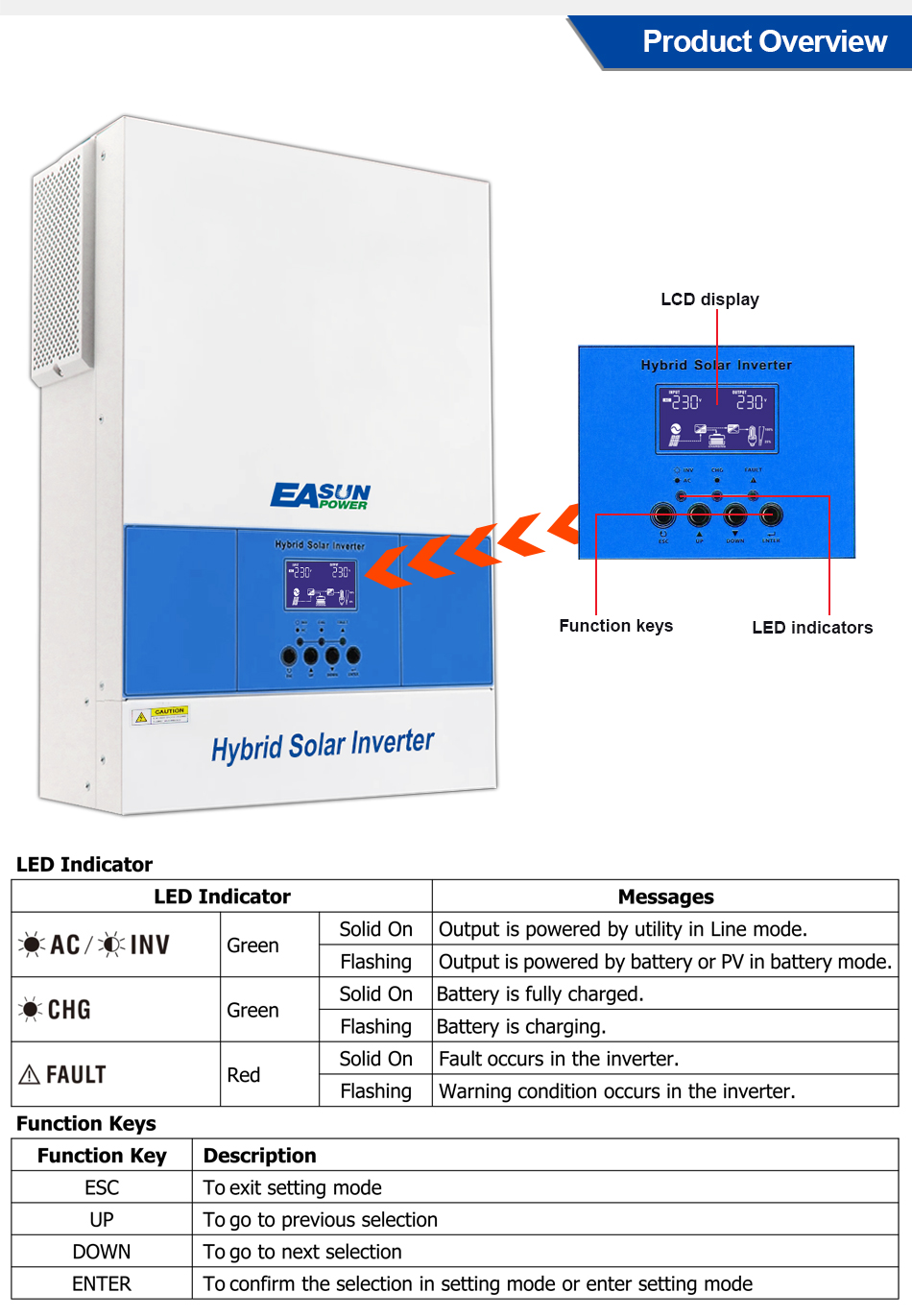
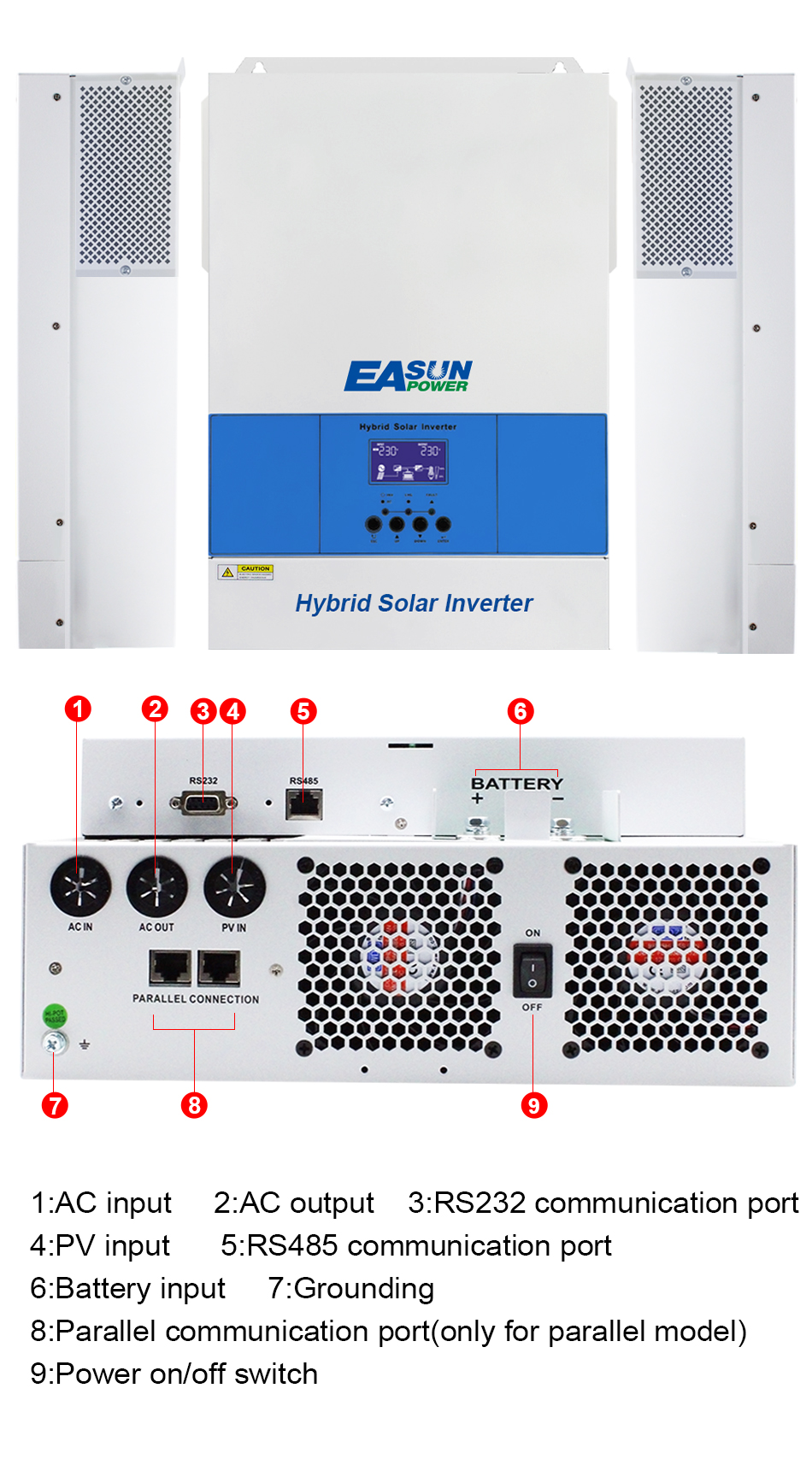
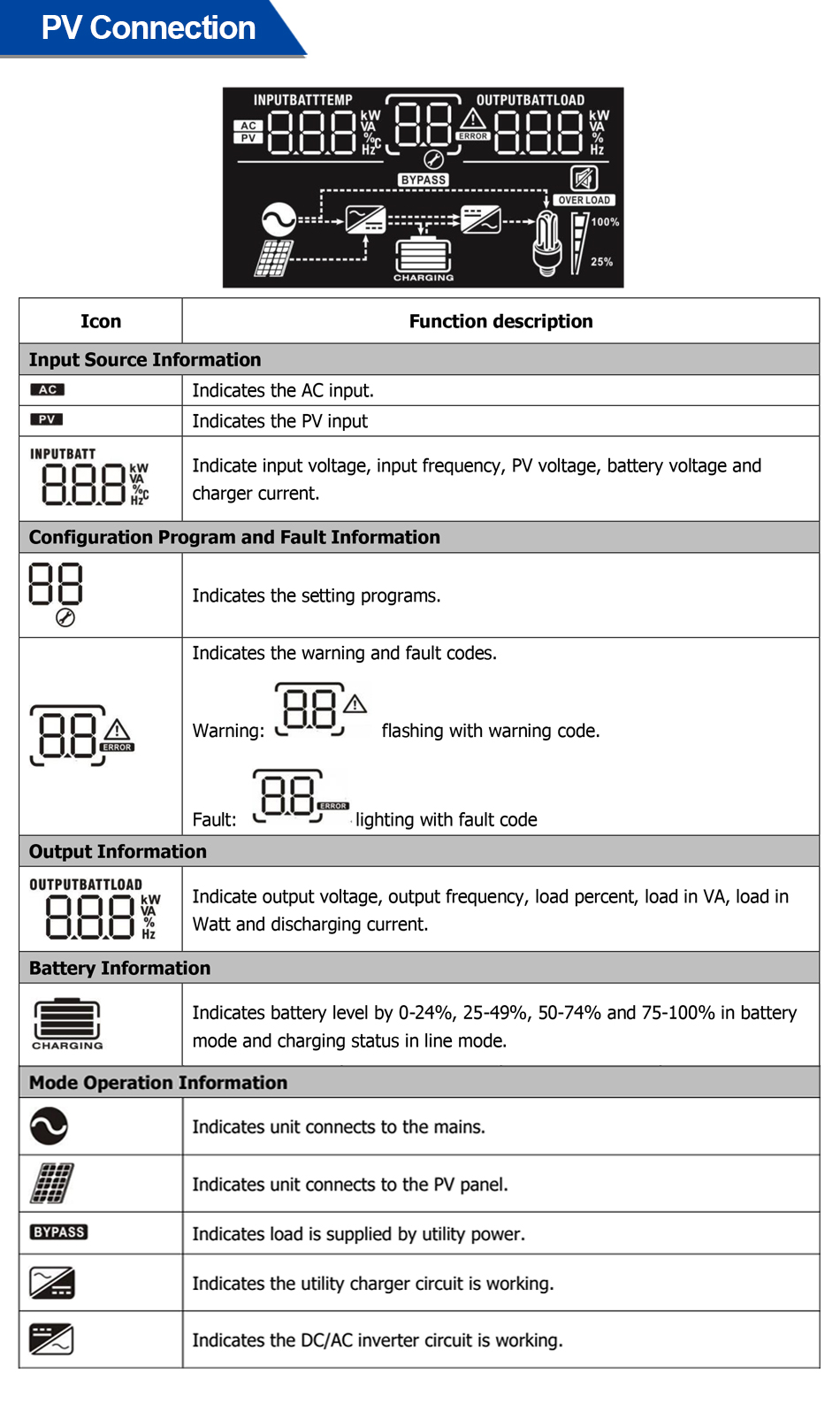
The easy-to-use LCD display offers at-a-glance system metrics and settings customization. WiFi/GPRS connectivity sends data to mobile apps for instant remote monitoring and alerts. RS232/485 ports allow integration with external battery management systems.
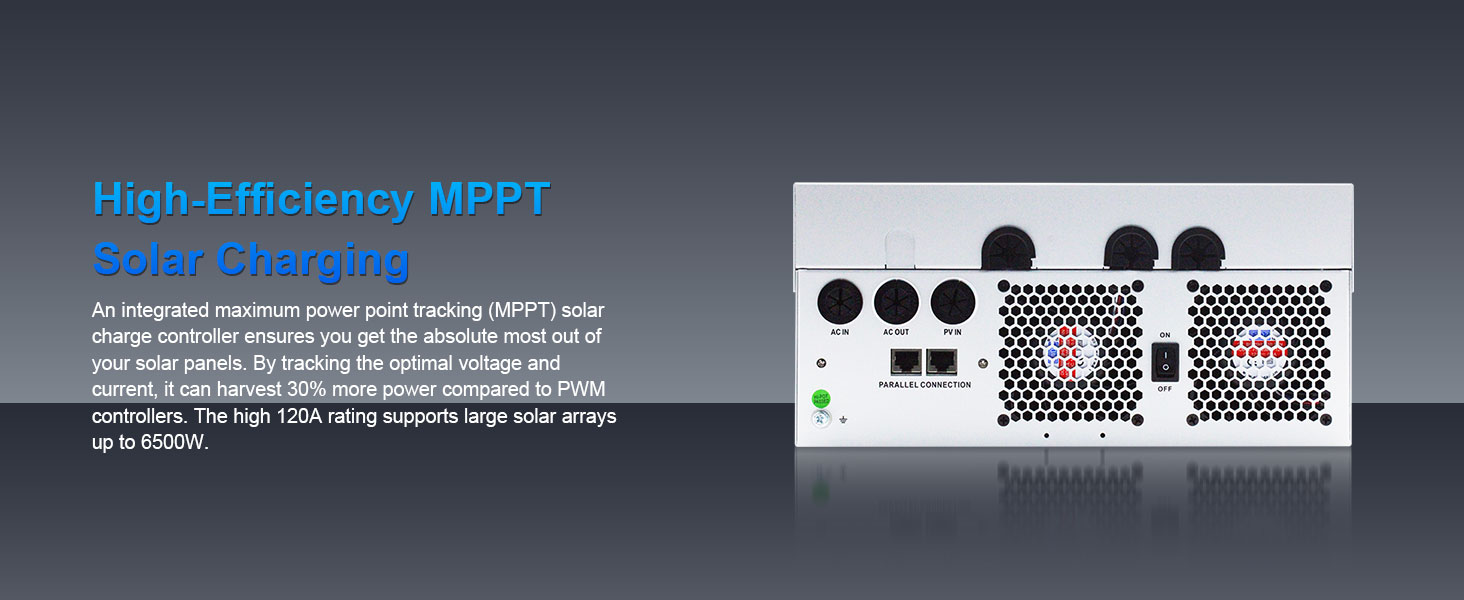
High-Efficiency MPPT Solar Charging
Maximize solar energy utilization. MPPT (Maximum Power Point Tracking) automatically tracks the optimal power point of the photovoltaic panel. Adapt to complex weather and environments while maintaining stable output.
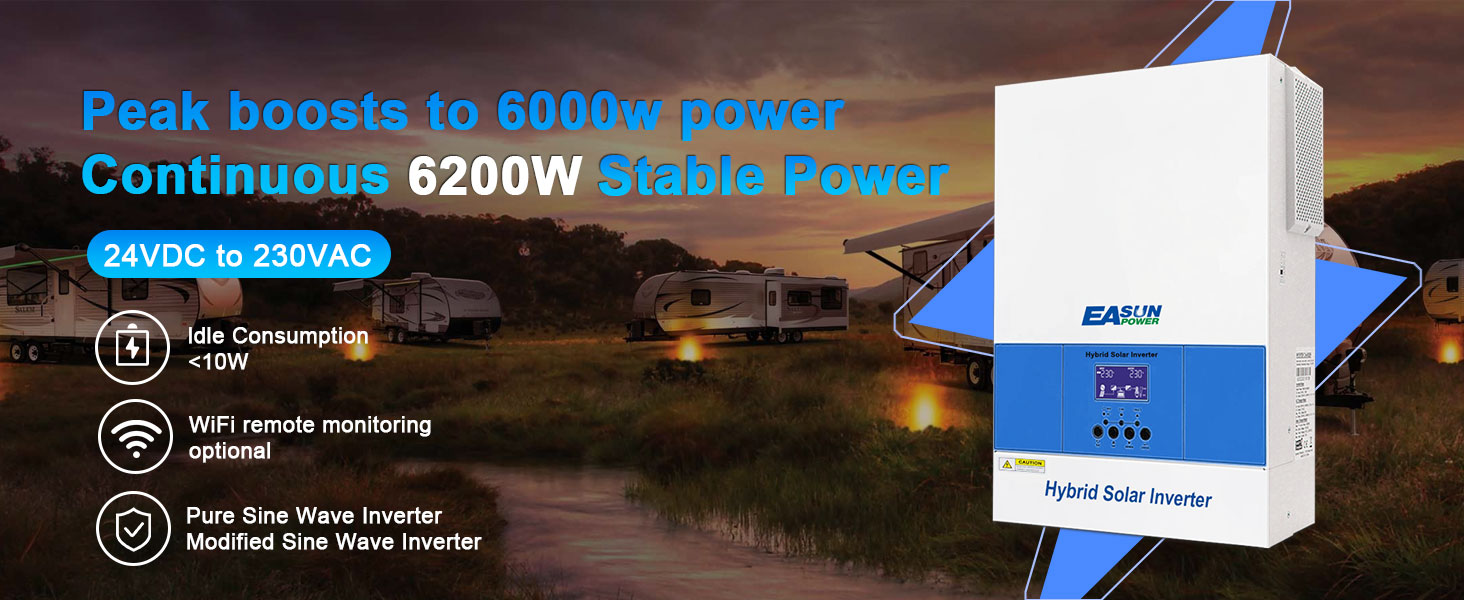
Idle Consumption < 10W
Ultra-low power consumption makes the system more energy-efficient, saving electricity bills and reducing energy waste during standby or low-load operation.
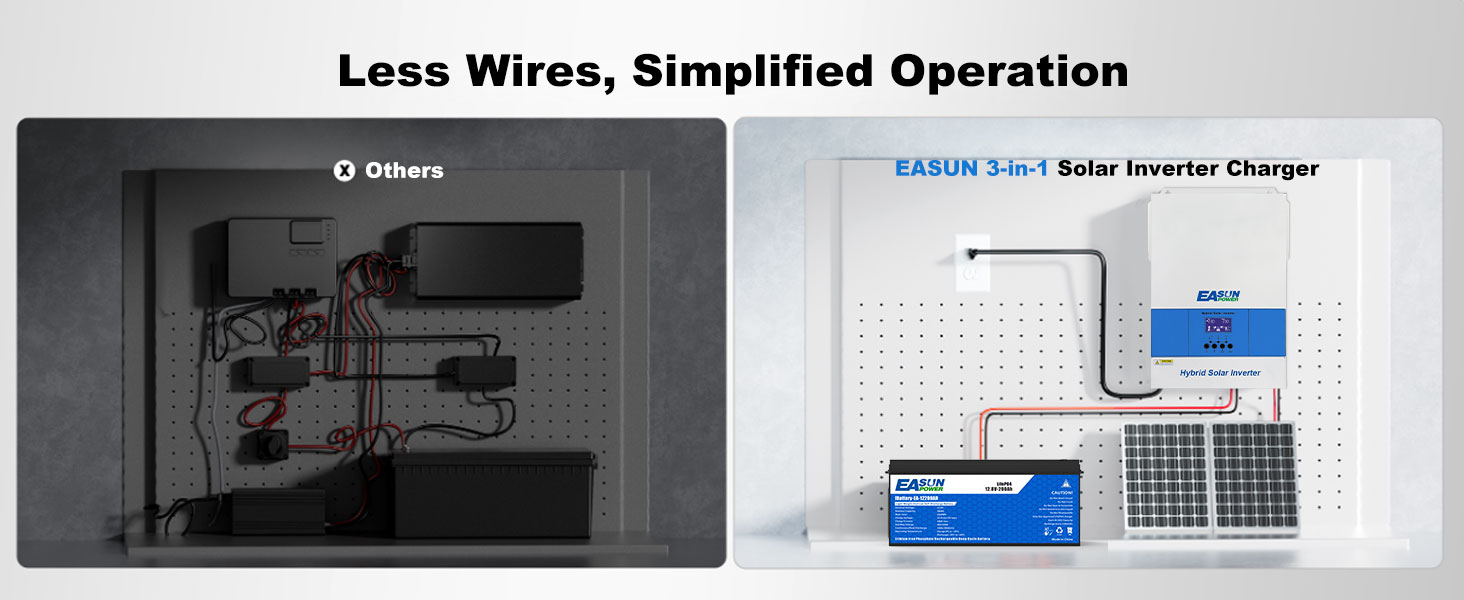
3-in-1 Design, Saves Nearly 50% of Space
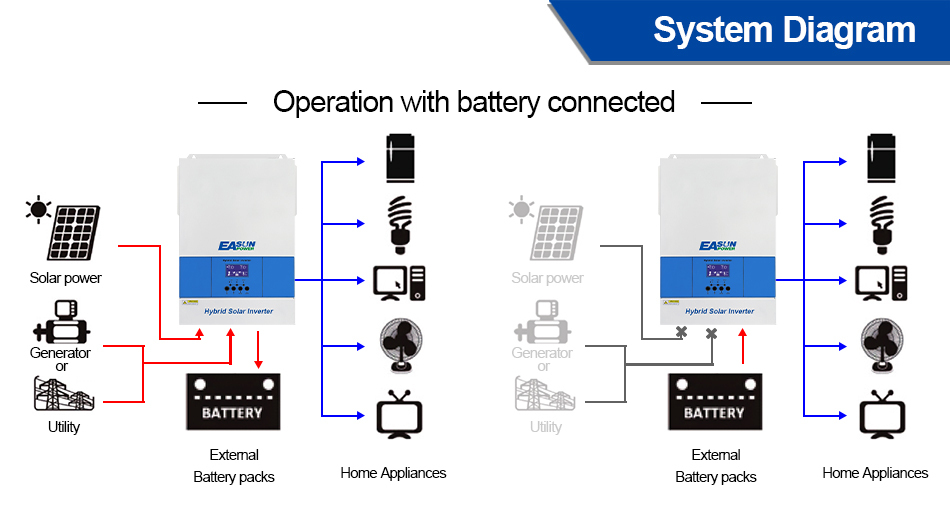
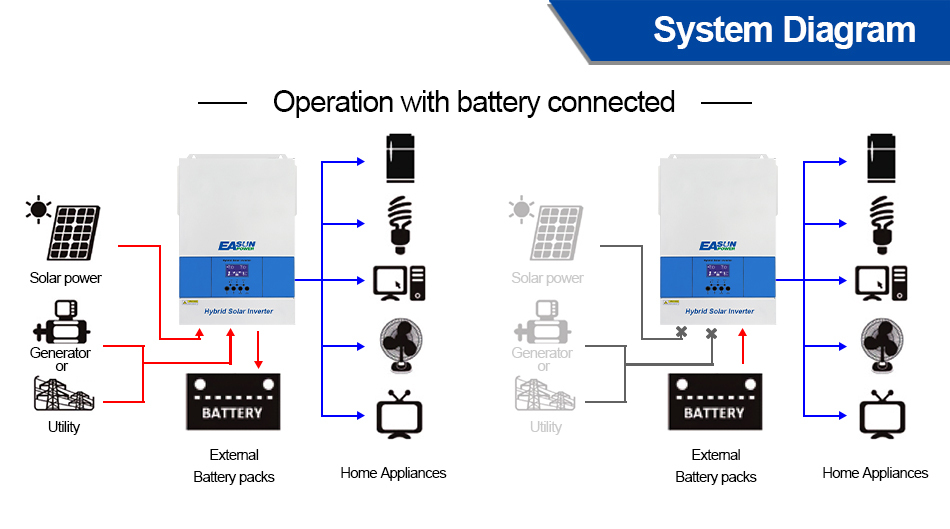
Say goodbye to messy wiring! The EASUN POWER inverter integrates MPPT, inverter, and charger into one compact unit—saving space and simplifying installation.
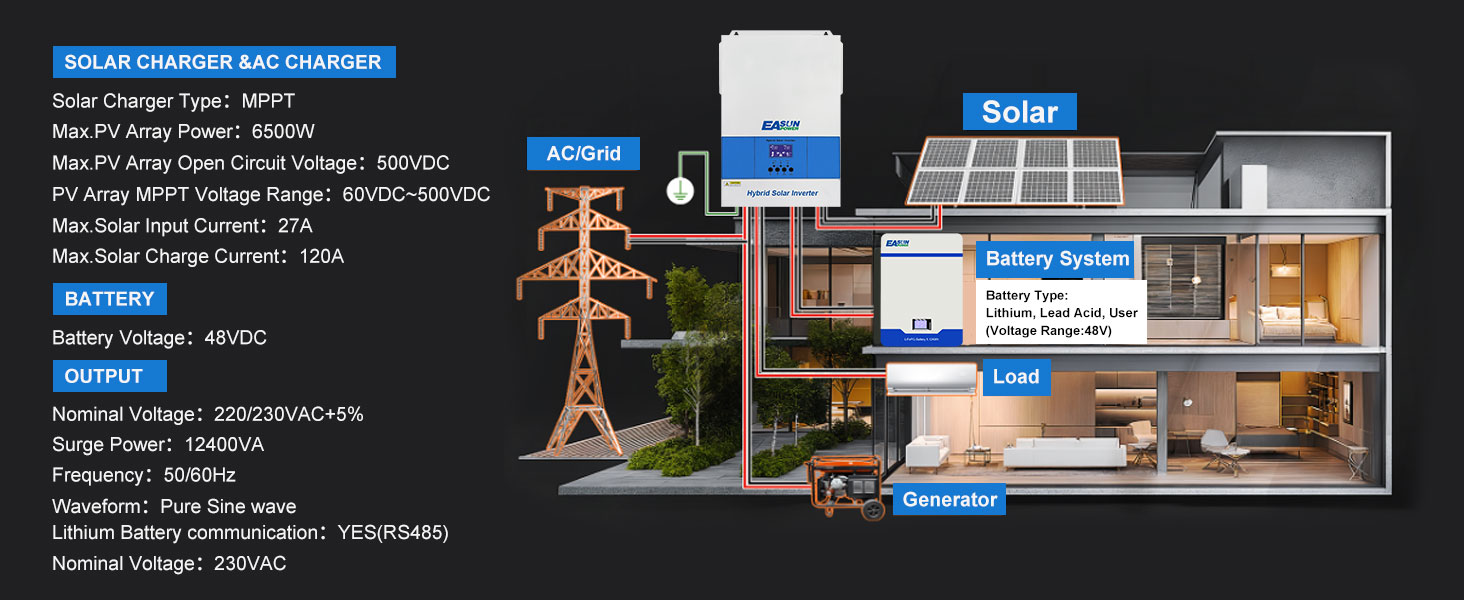
Build Your Solar System with the EASUN POWER 6200W Inverter
The EASUN 48V 6200W solar inverter offers seamless solar input, grid power, and battery charging capabilities. Easily build a reliable home energy system.
Adapt to Various Usage Scenarios
Perfect for homes, mobile coffee trucks, workshops, farms, and backup systems.

FAQ
1. How do I configure BMS communication with lithium batteries?
EASUN SMG II 6.2KP supports RS485 communication with a variety of BMS systems such as Pylontech, JK, Jikong, and Daly.
Pylontech BMS: Select battery type “Li2” in the inverter menu and set BMS to “PylonRS485”.
Daly BMS: Some users report success using “Li4” and setting Daly BMS to "Growatt" protocol.
JK BMS: It is recommended to use “Li2” and ensure correct wiring.
Note: Wiring methods may vary depending on the BMS brand. Please refer to the connection diagrams or consult technical support.
Click to check how to connect to Easun Battery
2. How do I know If this inverter is compatible with my solar panels ?
According to the inverter's specification table, the max solar input current is 127, which means MPPT can handle a maximum of 27A.
The optimal voltage range for the MPPT is 380–430V, and it should not exceed 450V.
Based on this information, when you review the specifications of your solar panels, you should ensure that—whether connected in series or parallel—the total voltage or current connected to each MPPT input does not exceed these limits.
3. What is the minimum PV voltage required to start the inverter?
The MPPT controller requires at least 120VDC PV input to start, but a recommended input of 250VDC or higher is suggested to ensure stable power output under load.
4. How can I fix the issue of the LCD screen flickering?
Some users have reported flickering on the inverter's display.
A common solution is to connect an X2-class capacitor in parallel between PV+ and PV- to stabilize voltage fluctuations.
⚠️ This operation requires electrical knowledge. Please consult a professional.
5. Does the inverter support parallel operation?
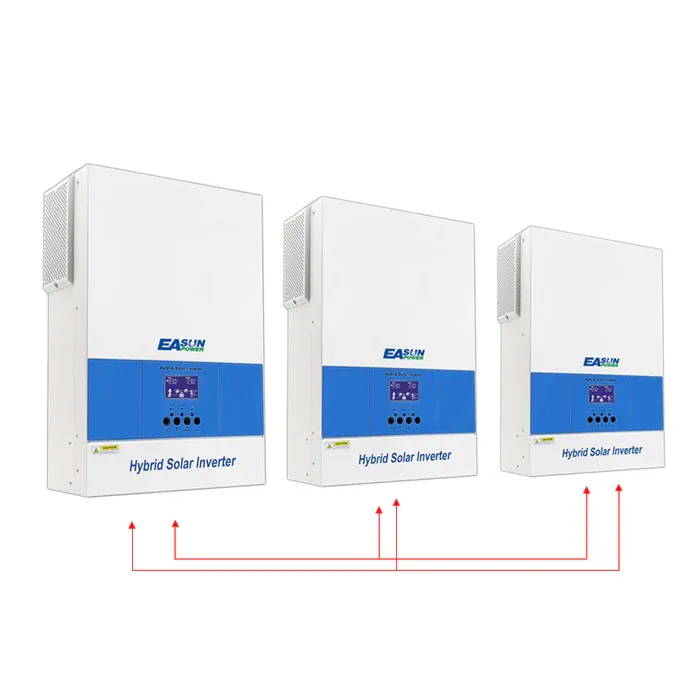
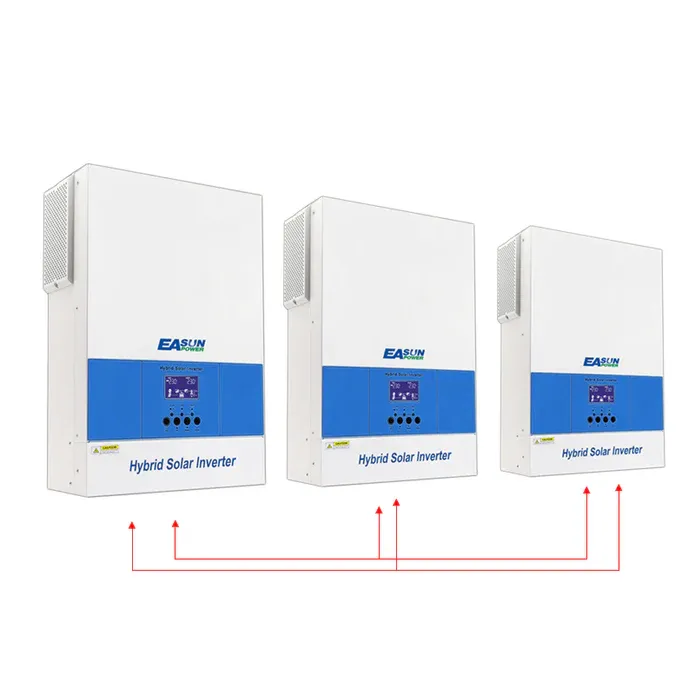
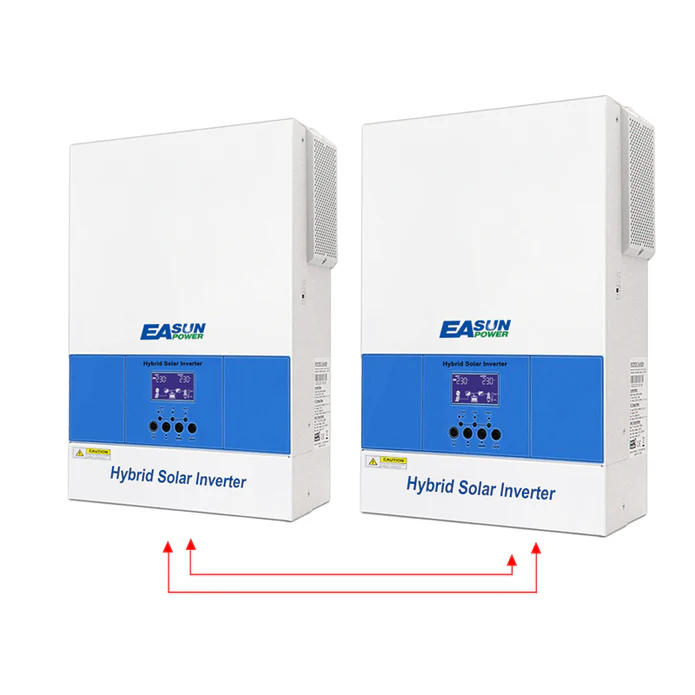
Yes, the EASUN SMG II 6.2KP supports parallel connection.
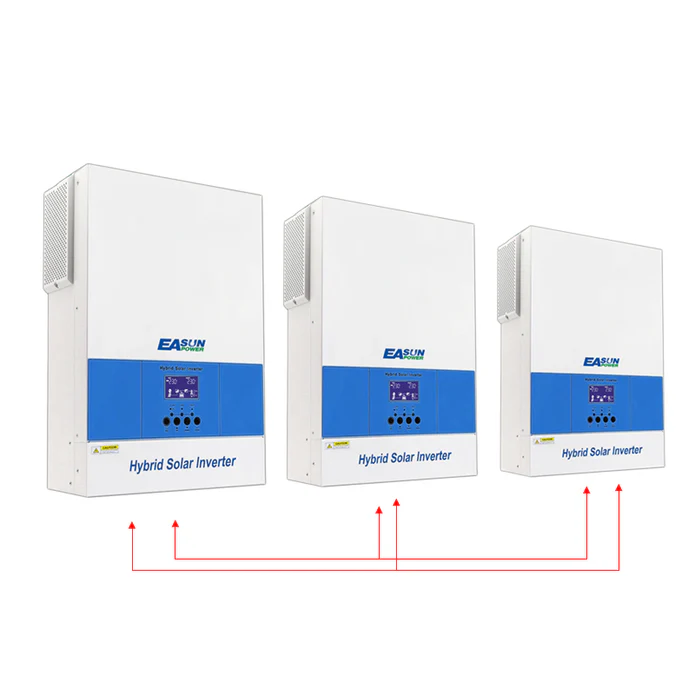
If you get 3 pcs of it ,you can set them in 3 phase
6. How does the WiFi monitoring work?
The inverter has a built-in WiFi module and can be monitored via a mobile app.
Download the recommended monitoring app and follow the instructions in the user manual.
Note: Data updates from the WiFi module may occur at 5-minute intervals.
7. Can the inverter run without a battery?
Yes, EASUN SMG II 6.2KP supports batteryless operation.
In this mode, the inverter uses PV input directly to power loads. However, it is recommended to carefully evaluate power stability and load demands when designing your system.
| Parameter | Value |
|---|---|
| Model | ISolar-SMG-II-6.2KP WiFi |
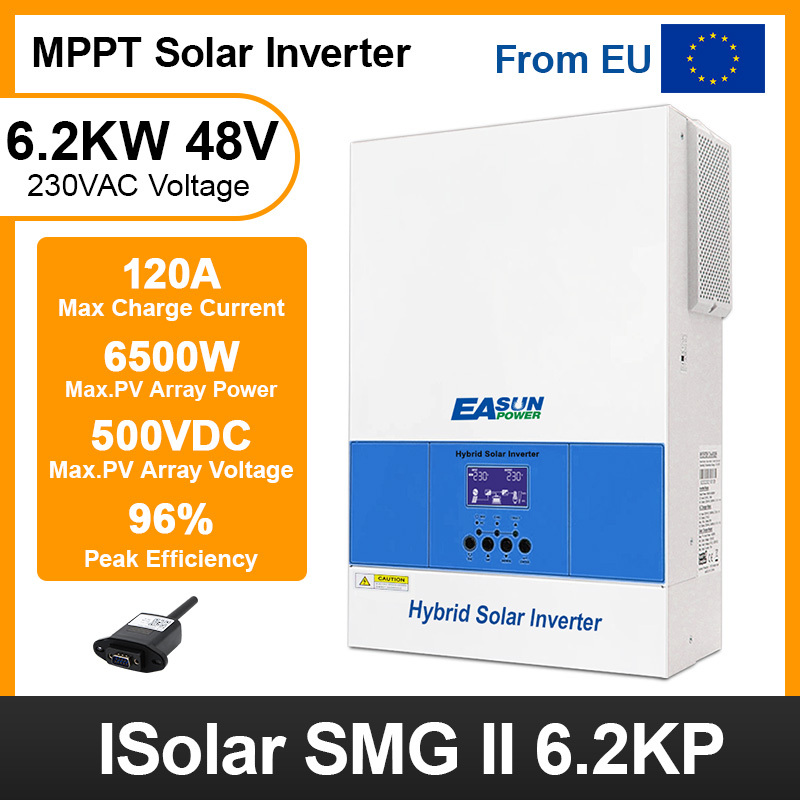
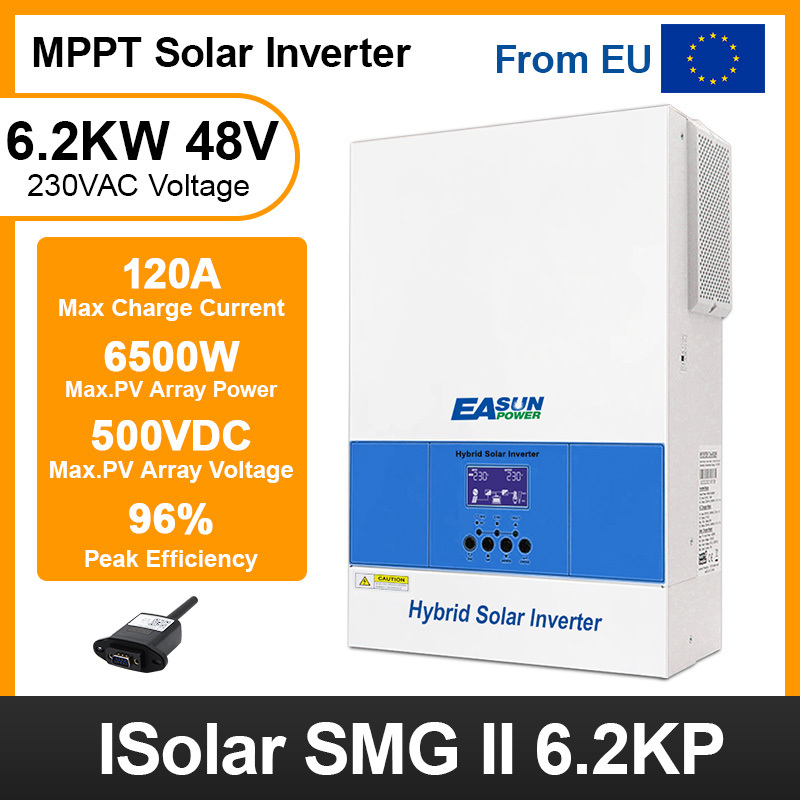
| Capacity | 6.2KVA / 6.2KW |
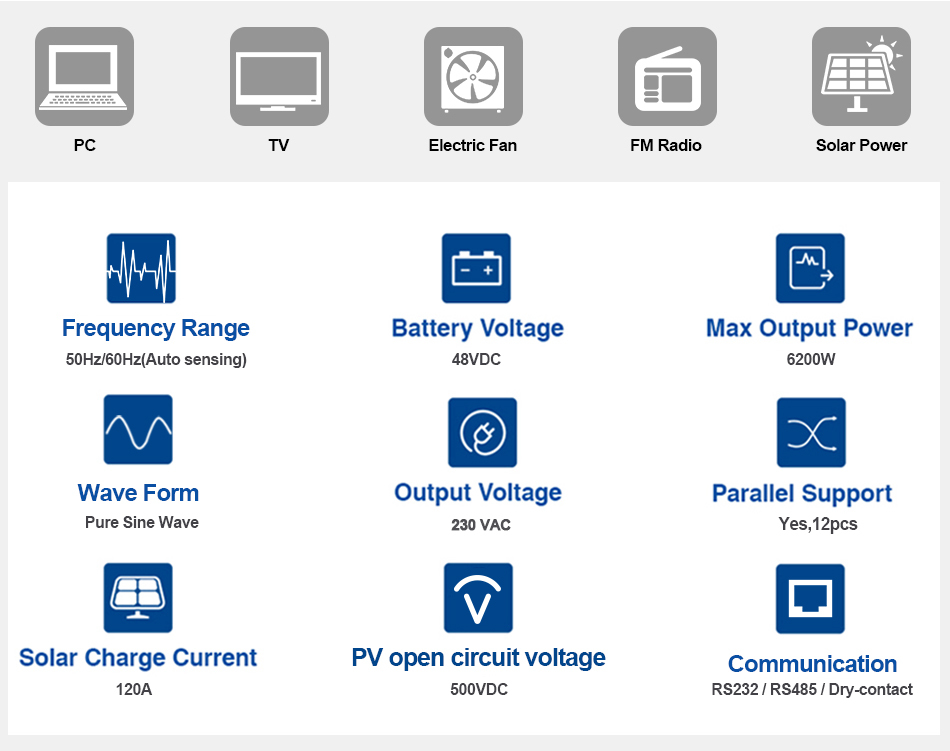
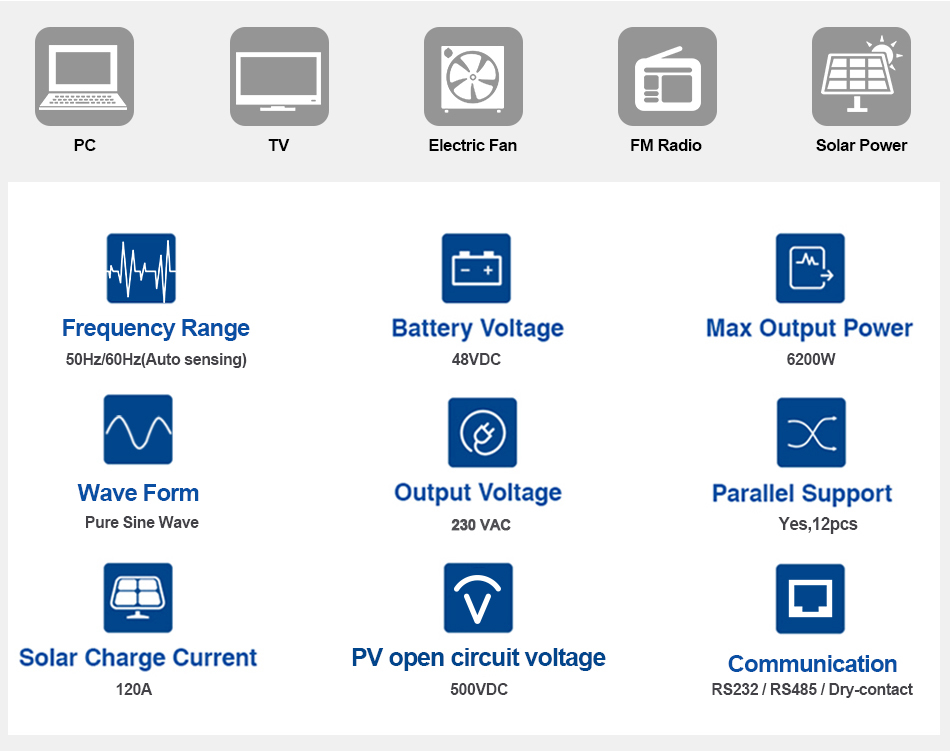
| Parallel Capability | Yes, 12 Units |
| Lithium Battery Activation | YES (By PV or Utility) |
| Lithium Battery Communication | YES (RS485) |
| INPUT | |
| Nominal Voltage | 230VAC |
| Acceptable Voltage Range | 170–280VAC (PC); 90–280VAC (Home) |
| Frequency | 50/60 Hz (Auto sensing) |
| OUTPUT | |
| Nominal Voltage | 220/230VAC ±5% |
| Surge Power | 12400VA |
| Frequency | 50/60Hz |
| Waveform | Pure Sine Wave |
| Transfer Time | 10ms (PC); 20ms (Home) |
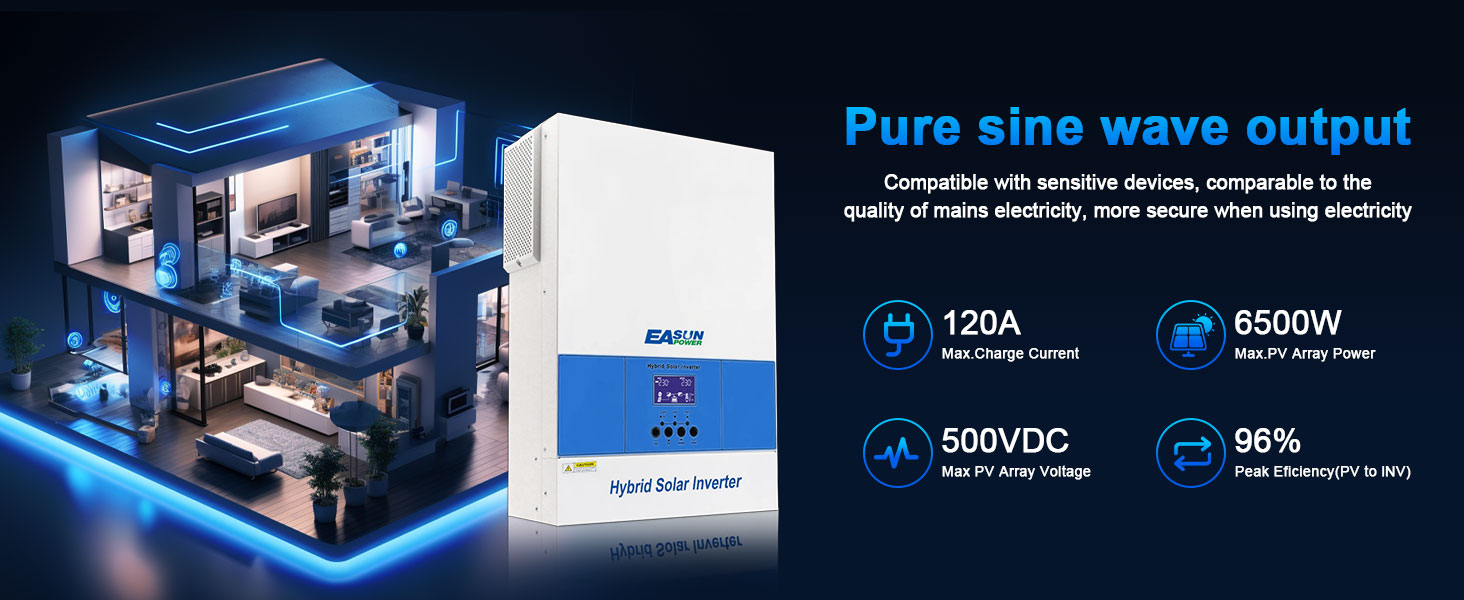
| Peak Efficiency (PV to INV) | 96% |
| Peak Efficiency (Battery to INV) | 93% |
| Overload Protection | 5s @ ≥140% load; 10s @ 110–140% load |
| Crest Factor | 3:1 |
| Admissible Power Factor | 0.6–1 (inductive or capacitive) |
| BATTERY | |
| Battery Voltage | 48VDC |
| Floating Charge Voltage | 54VDC |
| OverCharge Protection | 63VDC |
| Charging Method | CC / CV |
| SOLAR CHARGER & AC CHARGER | |
| Solar Charger Type | MPPT |
| Max. PV Array Power | 6500W |
| Max. PV Array Open Circuit Voltage | 500VDC |
| PV Array MPPT Voltage Range | 60–500VDC |
| Max. Solar Input Current | 27A |
| Max. Solar Charge Current | 120A |
| Max. AC Charge Current | 80A |
| Max. Charge Current (PV+AC) | 120A |
| PHYSICAL | |
| Dimensions (D×W×H) | 438 × 295 × 105 mm |
| Package Dimensions | 560 × 375 × 185 mm |
| Net Weight | 9 kg |
| Communication Interface | RS232 + RS485 |
| ENVIRONMENT | |
| Operating Temperature Range | -10°C to 50°C |
| Storage Temperature | -15°C to 50°C |
| Humidity | 5% to 95% RH (Non-condensing) |